
Using Your Miora Kit
Follow the instructions below to activate your kit, collect your sample, and view your results.

Test kit box
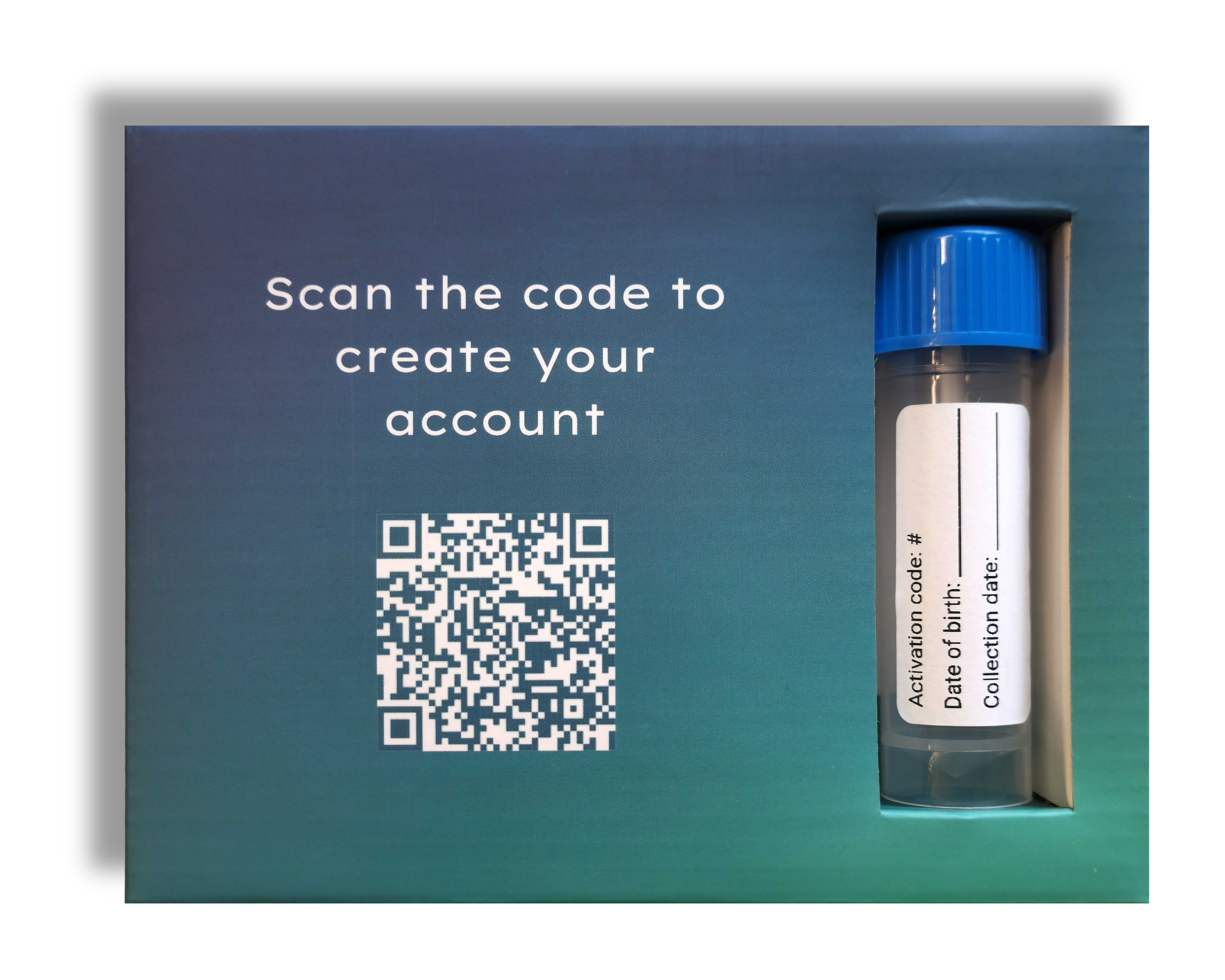
Collection tube
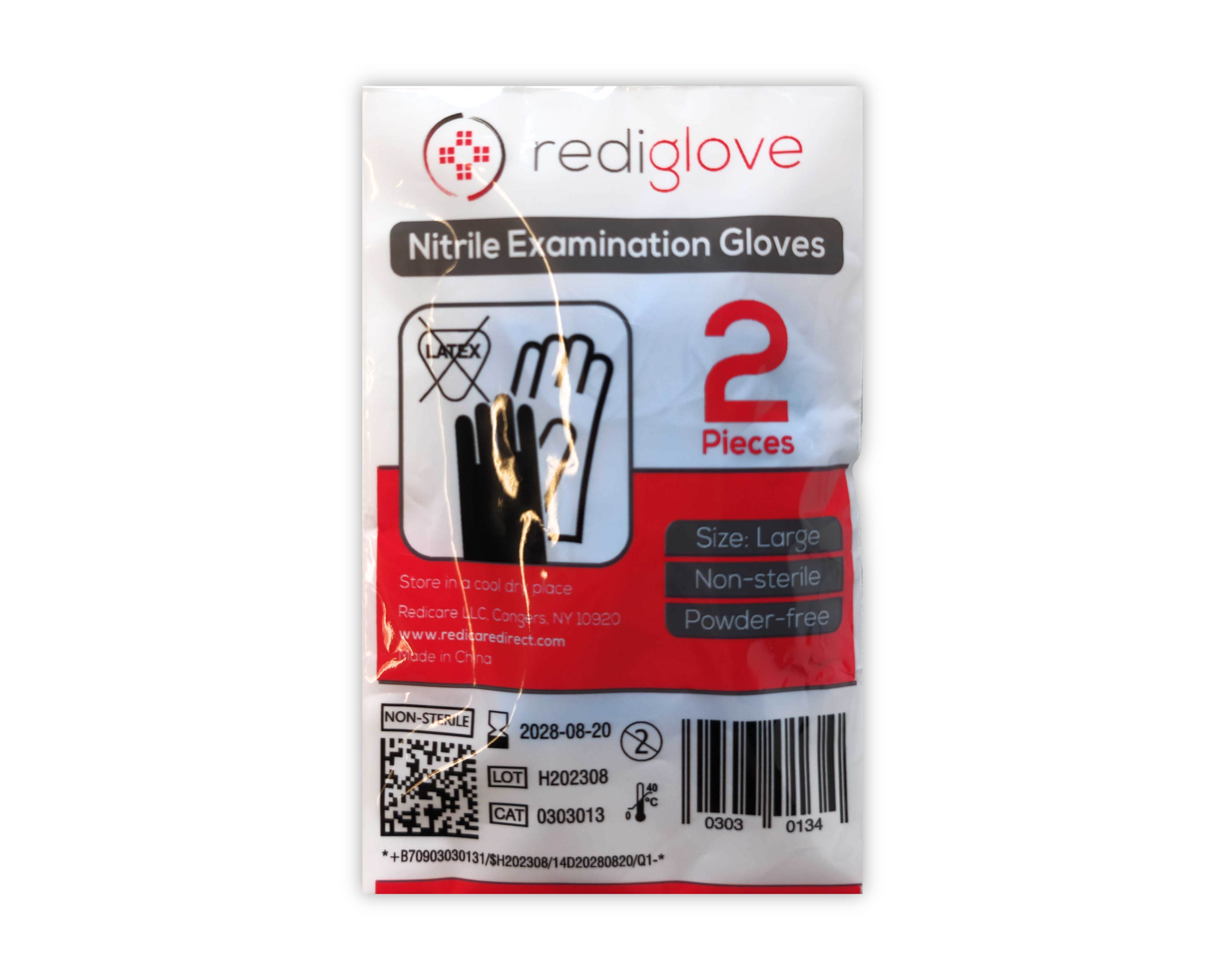
Gloves
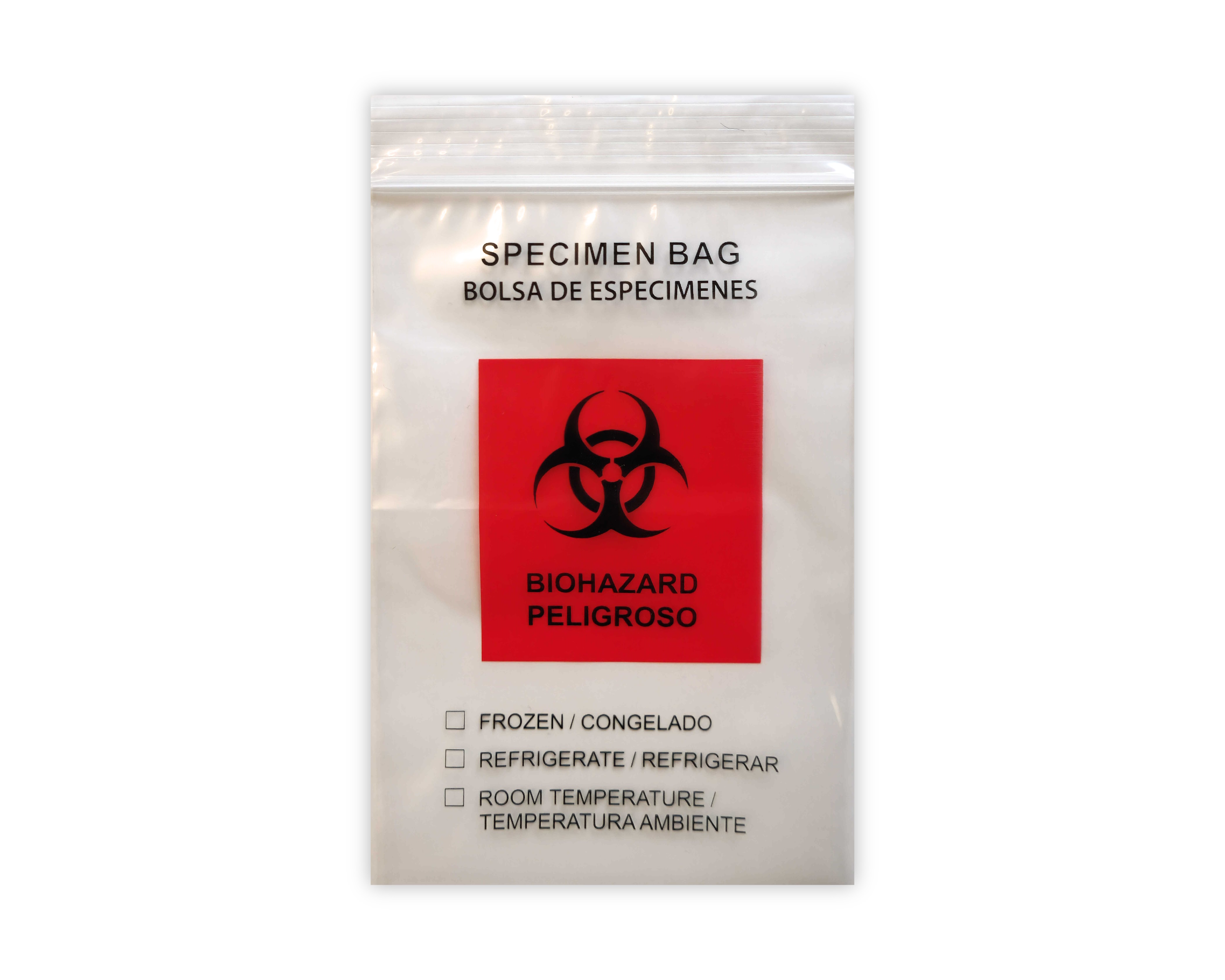
Biohazard bag
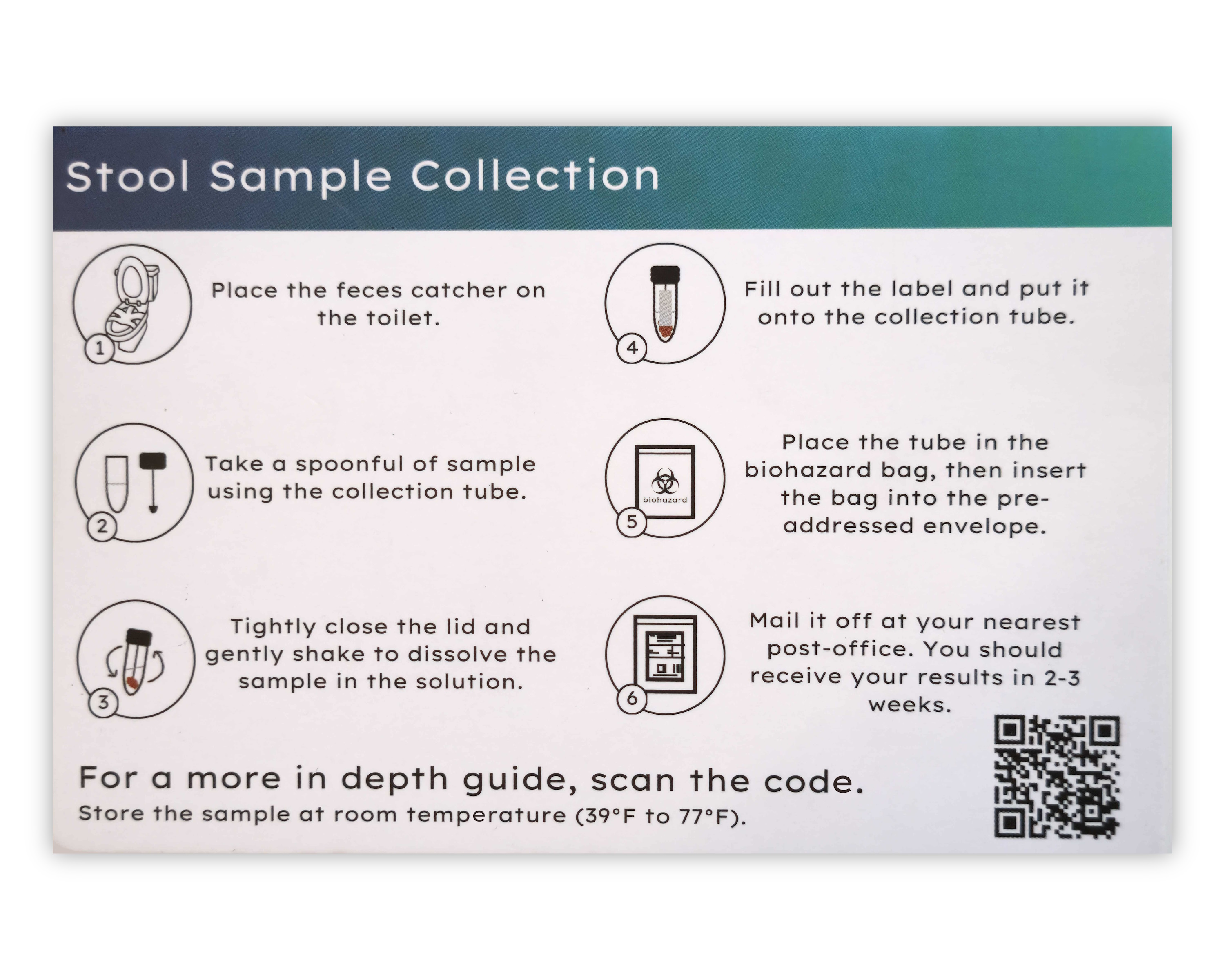
Instructions card
Clear circle sticker
Wipe
Start by activating your kit online at your Miora Portal using the activation code printed on the back of the instructions card.
Use the provided wipe to collect your stool sample.
Insert the wipe into the collection tube.
Close lid tightly and shake gently.
Fill out the label on the collection tube.
Place tube into biohazard bag and into the box.
Seal with the clear sticker provided.

Use return label

Drop at nearest post office

Recycle insert
Log in to your Miora portal to:
Track the status of your test
View results (2-3 weeks)
Share results securely with your provider
Log In to Your Portal